
 Macro Library
Personal macro library
← All modulesAyense Works · Macro Library
Keep frequently used SOLIDWORKS macros in one organized library.
Collect scattered macro files in one library and access everyday tools directly from Ayense Works.
File selection and list editing
One-click launch
Consistent visual and usage standard
See the workflow step by step.
Each screen presents the information you need at the right stage of production preparation.
01
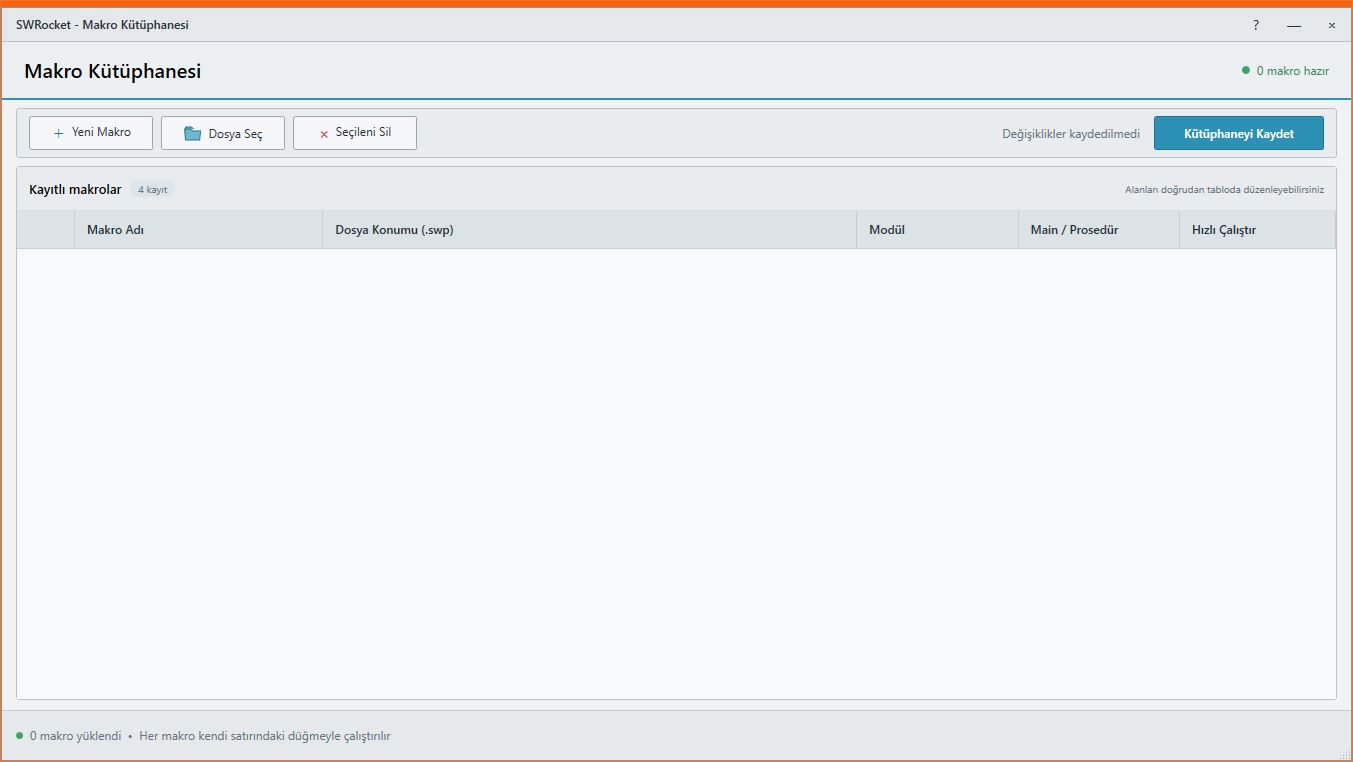
Macro Library screen
Organize frequently used macros in one library.
Personal macro libraryWORKFLOW
A controlled result in three steps.
Library · One-click launch · Editing
- 1STEP 01Add a macro file
- 2STEP 02Save the library
- 3STEP 03Run it with one click when needed
MEET Ayense Works
Request a trial →